Are you looking to cut the cord on cable and start streaming TV shows, movies, music, and more directly to your TV? If so, you’re probably debating getting a Chromecast or Roku device. These two streaming gadgets dominate the market, but have some key differences. This guide breaks down all aspects of Chromecast vs Roku to help you decide which is better for your needs and budget. We’ve also compared Roku vs DirecTV, Roku vs Cable, and Apple TV vs Roku if you’re considering other streaming options.
- Roku wins on app selection — over 10,000 streaming channels vs Chromecast’s 5,000+
- Both start at $29.99 — but Roku’s high-end models go up to $129.99 with soundbar audio
- Roku supports 4K HDR and Dolby Vision — Chromecast tops out at 4K without Dolby Vision
- Chromecast excels at phone casting — ideal for users who prefer controlling everything from a mobile device
- Every Roku ships with a remote — standard Chromecast requires your smartphone for control
#Introduction
Chromecast and Roku are two of the most popular streaming devices on the market. They plug directly into your TV and connect to the internet to grant access to on-demand shows, movies, music, sports and more.
Here are the key factors we’ll examine to help you decide if a Chromecast or Roku is better for your specific needs:
-
Cost and available deals
-
Ease of setup process
-
Streaming quality and resolutions
-
Content libraries and app availability
-
Extra features like gaming and smart home integration
-
Remote control options and voice control capacities
-
Unique pros and cons of each system
After reviewing all aspects, our top recommendation for most people is the Roku Streaming Stick 4K due to its balance of affordability, streaming quality, app ecosystem, and user-friendly interface.
However, Chromecast remains a great budget option, and is better optimized for casting content directly from mobile devices. Keep reading for all the details!
#How Much Do Chromecast and Roku Cost?
The Chromecast and Roku product families start around the same entry-level price point. But Roku offers more advanced and expensive high-end models.
#Entry-Level Prices
#High-End Prices
Roku devices frequently go on sale, especially around major shopping holidays like Prime Day, Black Friday and Cyber Monday. So keep an eye out for deals.
#Ease of Setup
Both Roku and Chromecast are designed to be plug-and-play devices that are simple to set up.
#Chromecast Setup
The Chromecast gets power from your TV’s USB port or electrical outlet via the included power adapter. All you have to do is plug it into your TV’s HDMI port and connect to WiFi.
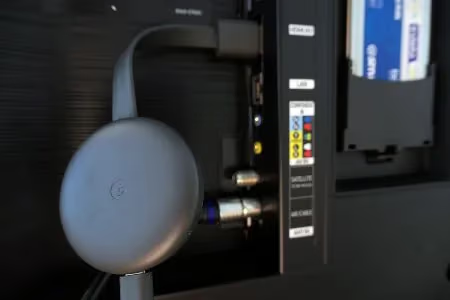
You complete the setup process using the Google Home app on your smartphone, following the on-screen pairing instructions. This lets you stream content from apps on your phone or cast tabs and screens.
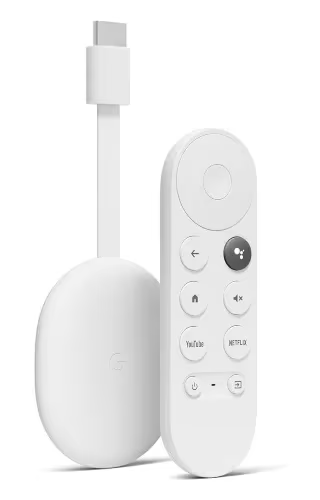
The Chromecast with Google TV includes an actual remote and on-screen interface. The setup process is the same.
#Roku Setup
Roku devices also just need to be plugged into your TV’s HDMI port and powered on to begin the setup prompts.
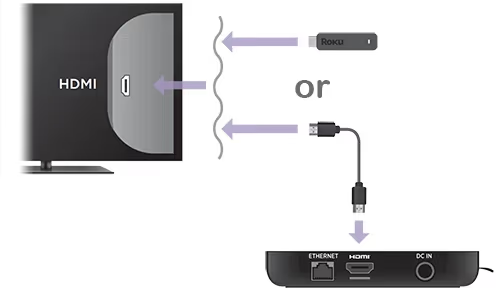
You’ll use the included Roku remote to connect to the internet, link streaming services and customize your home screen.
In terms of simplicity, Roku has an edge for less tech-savvy users since you don’t have to install a secondary app or use your phone.
#Streaming Quality
Roku devices support higher maximum streaming resolutions than Chromecast models.
#Maximum Resolutions
-
Chromecast – Up to 1080p HD or 4K
-
Roku – Up to 4K, 4K HDR and 4K Dolby Vision (top models only)
So for the absolute best image quality with HDR color and contrast, Roku is the way to go. Though the latest Chromecast 4K model still provides excellent 4K streaming.
#Performance Optimization
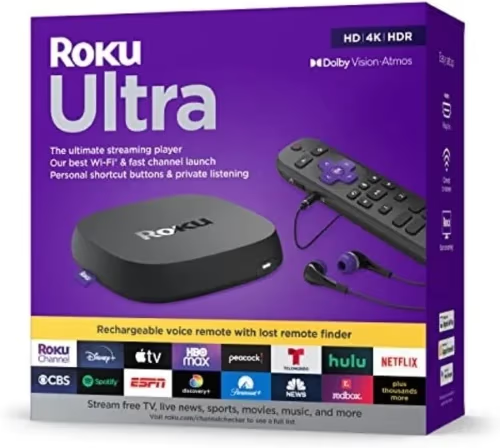
It’s also worth noting that wired Roku Ultra has the most powerful quad-core processor and strongest wireless reception for smooth streaming in any room. The Roku Streambar also features improved wireless performance and extended range.
#Content Libraries and Apps
Roku still has a slight edge in the size of its content ecosystem and aggregate channels.
#Interface
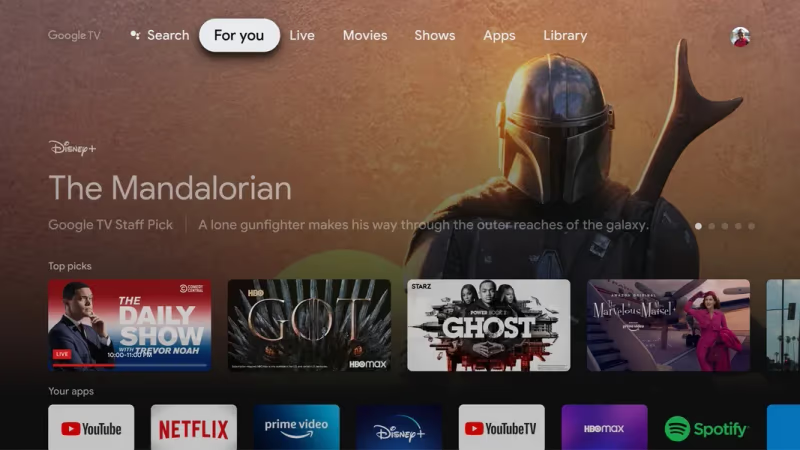
- Chromecast – Uses Google TV, a polished full-screen streaming interface
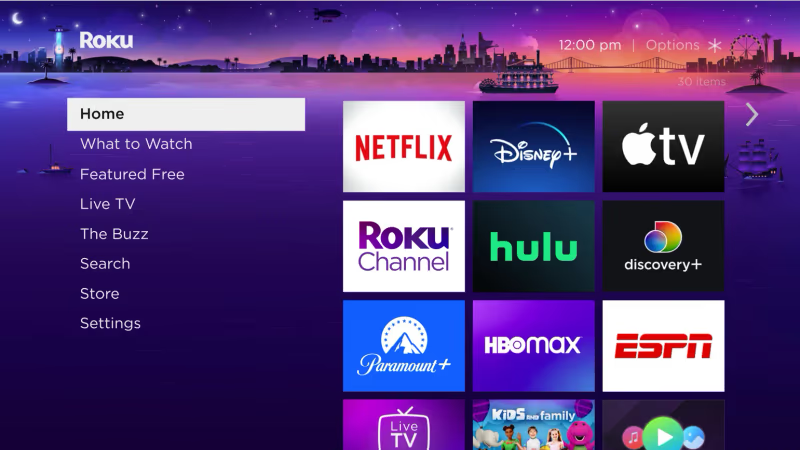
- Roku – Has its own customizable streaming platform
#Channel Availability
- Chromecast – 5,000+ apps
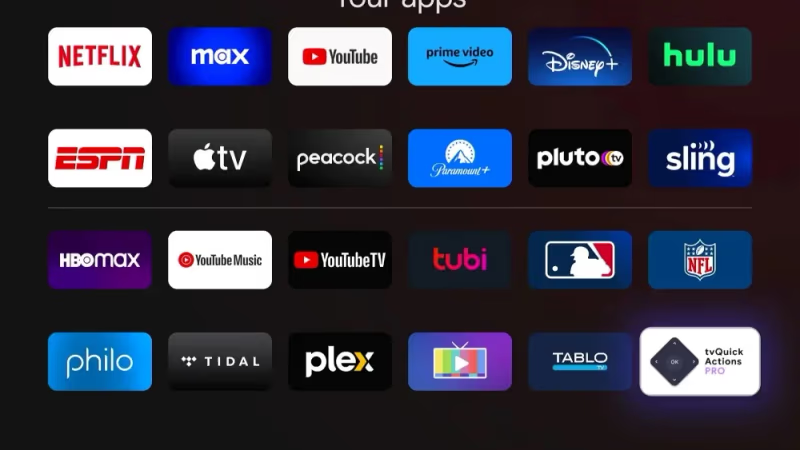
- Roku – Over 10,000 streaming channels
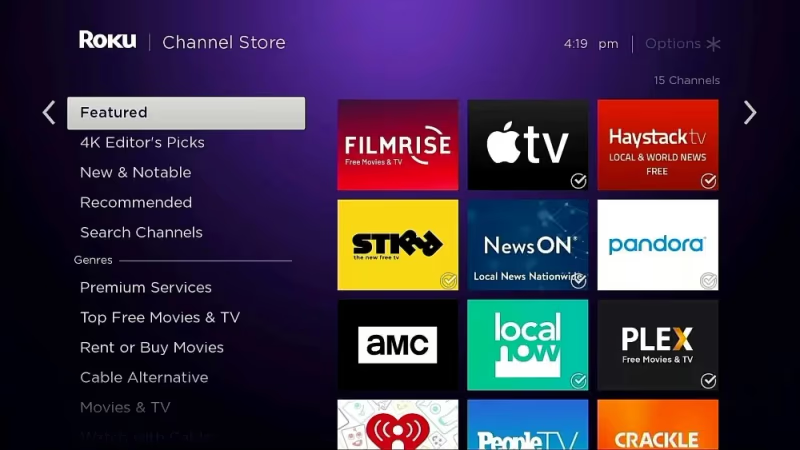
That said, you’ll have no problem accessing all the most popular services like Netflix, Prime Video, Hulu, Disney+, HBO Max, Spotify, YouTube and tons more on either system. You can also easily watch ESPN on Chromecast.
#Live TV Options
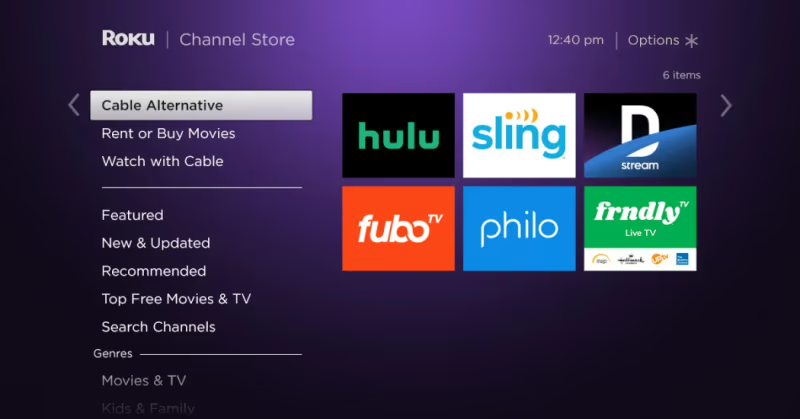
Both provide live online TV via apps like Hulu + Live, YouTube TV, Sling TV, FuboTV and more (subscription required). Again, channel availability is a bit greater overall on Roku.
#Extra Features
#Gaming
There are Roku games you can download to play with your remote or a paired controller. The Chromecast currently does not offer integrated games.
#Smart Home Integration
- Chromecast – Google Assistant for controlling smart home devices
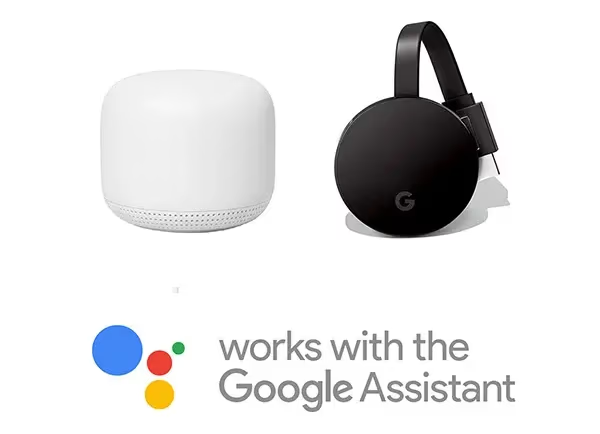
- Roku – Roku and Alexa integration
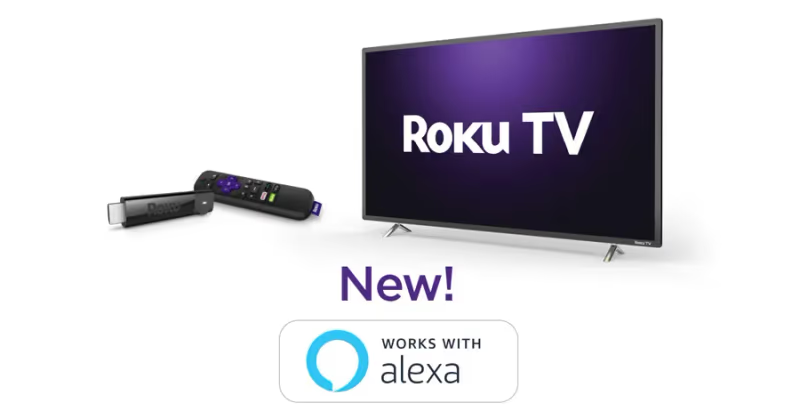
So with either gadget you can use voice commands for things like adjusting smart lights or streaming security footage on your TV via a smart display.
#Private Listening
Select Roku devices come with headphones you can plug into the remote. You can also privately listen from phone apps. With Chromecast you’d need to connect Bluetooth headphones to your phone.
#Model-Specific Features
-
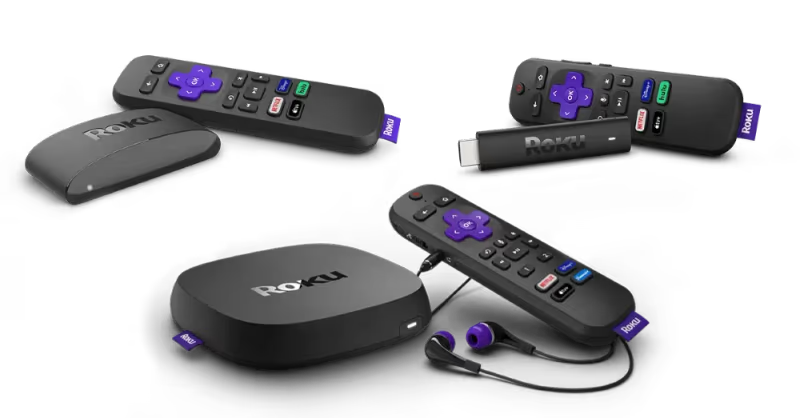
The Roku Ultra has wired internet, USB ports, remote finder and included headphones
-
The Roku Streambar combines 4K streaming and soundbar audio
-
The latest Chromecast remote has TV controls
#What Remote Control Options Are Available?
#Chromecast Control
The standard Chromecast does not come with a remote. You cast content and control playback entirely from smartphone apps.
The Chromecast with Google TV includes a compact remote with dedicated streaming service buttons. It controls power and volume on supported TVs. You can still cast content from mobile apps.
#Roku Remotes & Control
All Roku devices ship with an included IR (infrared) remote control. Higher-end Roku remotes have buttons to control TV power, volume and mute.
Many models also have voice control microphones to search for content with speech commands. And you can control your Roku via smartphone apps, or even link it to Alexa or Google Assistant devices.

#Chromecast vs Roku: Key Differences
Here is a high-level overview of how Chromecast vs Roku stack up across the core buying factors:
| Chromecast | Roku | |
|---|---|---|
| Cost | $30-$50 | $30-$130 |
| Max Resolution | Up to 4K | Up to 4K + HDR |
| Interface | Google TV | Roku OS |
| Apps | 5,000+ | 10,000+ |
| Remote | Smartphone or minimal remote | Full IR remote |
| Gaming | None | Casual games |
| Smart home | Google Assistant | Roku + Alexa |
| Audio | Phone/Tablet | Select models have audio |
#Chromecast Pros
-
Easy casting from mobile apps and browsers
-
Intuitive touch controls via Google Home app
-
Sleek, compact industrial design
-
New model supports 4K HDR
-
Works natively with Google smart speakers
#Roku Pros
-
Top streaming quality with 4K HDR and Dolby Vision support
-
Largest directory of streaming apps and channels
-
Easy setup even for less tech-savvy
-
Advanced audio options on newest models
-
Headphone jacks for private listening
#FAQs
#Can you use a universal remote with Chromecast or Roku?
Yes, both devices work with most universal remote brands as long as you have an IR blaster. Roku’s built-in IR receiver makes pairing straightforward, while Chromecast with Google TV also responds to standard IR signals.
#Which device is better for streaming live TV?
Roku has the edge for live TV because it aggregates more live streaming apps and includes an easier grid-style channel guide. You can still access YouTube TV, Hulu + Live, Sling TV, and FuboTV on Chromecast without any issues. Sports fans can also stream MLB TV, NHL, and ESPN on either platform.
#Does Roku support screen casting like Chromecast?
Yes, newer Roku models support both screen mirroring and app-based casting from iOS and Android devices. The experience is smoother on Chromecast since casting is its core design feature, but Roku’s mirroring works well for most use cases.
#Can Chromecast work without Wi-Fi?
No, Chromecast requires a Wi-Fi connection to function. Without internet access, you cannot cast content or use any streaming apps. Roku also needs Wi-Fi for streaming, though the Roku Ultra offers wired Ethernet as a backup.
#Do Chromecast and Roku require monthly subscriptions?
Neither device charges a monthly fee to use. You only pay for individual streaming services like Netflix, Hulu, or Disney+ if you choose to subscribe. Both platforms also offer free ad-supported content through channels like Pluto TV, Tubi, and The Roku Channel.
#Which device gets software updates longer?
Google typically supports Chromecast devices with updates for about 3-4 years after launch. Roku tends to support its devices for a longer period, with many models receiving updates for 5+ years. This gives Roku a slight advantage in long-term value.
#Is Chromecast or Roku better for smart home control?
Chromecast pairs natively with Google Assistant and works with any Google Home speaker or Nest display. Roku integrates with both Alexa and Google Assistant, giving it broader compatibility across different smart home setups.
#Bottom Line
When comparing Chromecast vs Roku models across all categories – the Roku Streaming Stick 4K stands out as the best overall option for most people at just $50.
It delivers excellent 4K HDR streaming quality and app/channel availability in a compact, affordable package. Roku software is also designed to be friendly for users of any technical skill level.
That being said, the Chromecast HD for $30 and Chromecast with Google TV 4K for $50 remain highly-capable budget picks. Their smart device casting and Google Assistant integration are ideal if you prioritize tapping into an existing Google smart home ecosystem.
Hopefully this side-by-side breakdown has given you enough details to make your final decision. Let us know in the comments if you have any other questions!